
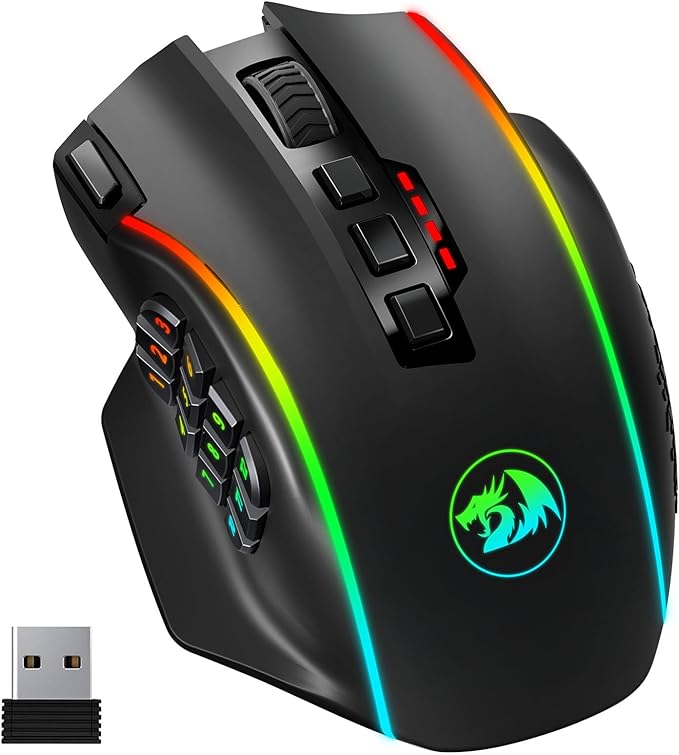
In my line of work, you find yourself using many repetitive commands, from the standards like Cut Ctrl+X, Copy Ctrl+C & Paste Ctrl+V, to more advanced combinations of keys to execute shortcuts, switch pages, format values, etc.
While the Redragon mice are mainly designed for gaming, I’ve been using them for productivity for years.
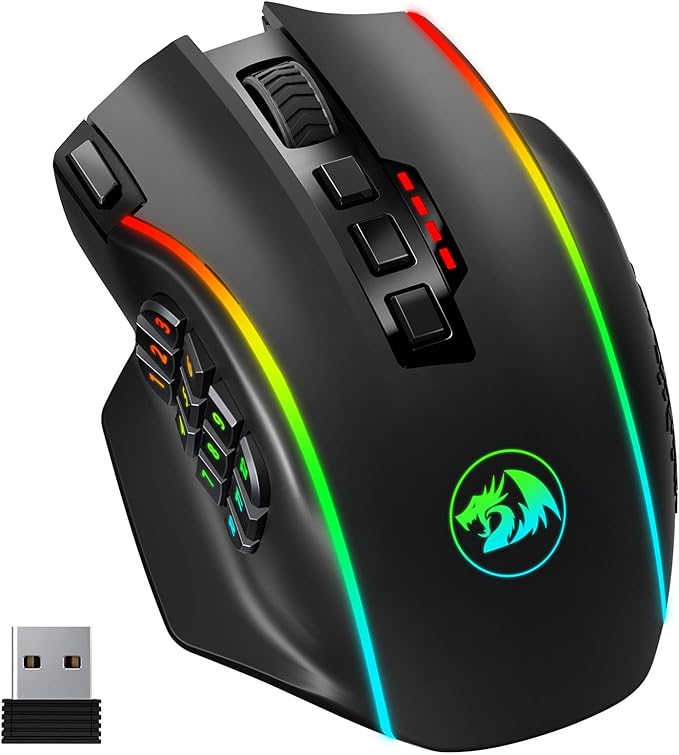
Something like the Redragon M901 https://amzn.to/4gqcmMl or the M908 wired version https://amzn.to/3ONdhuz can allow you to program each button to execute these shortcuts or other functions, like page down/up, refresh or close the page on a browser, lock the screen, switch between apps and many many more functions, without having to switch to the keyboard.
The DPI config allows you to choose the velocity that the cursor will move at, I found myself quickly adapting to the highest, most sensitive setting, and now i barely have to move it a few centimeters to go from one end of my screen to the other. This is specially useful if you have, like myself more than one screen (I have 3, sometimes 4)
Of course they are also amazing for gaming, not only because you can program the buttons to do things like switch weapons or fire them very quickly, but also to execute a long combination of keys in milliseconds.
For a more traditional mouse, i prefer Logitech https://amzn.to/4iqswr1 over other brands, since I’ve found them to be more precise and it takes a very long time for the wheel to get gunked up from skin oils and dust, but when it does, it’s also very easy to clean it.


 Cyberwitch Consulting
Leave a comment